Quick answer
The shortest route to full coverage
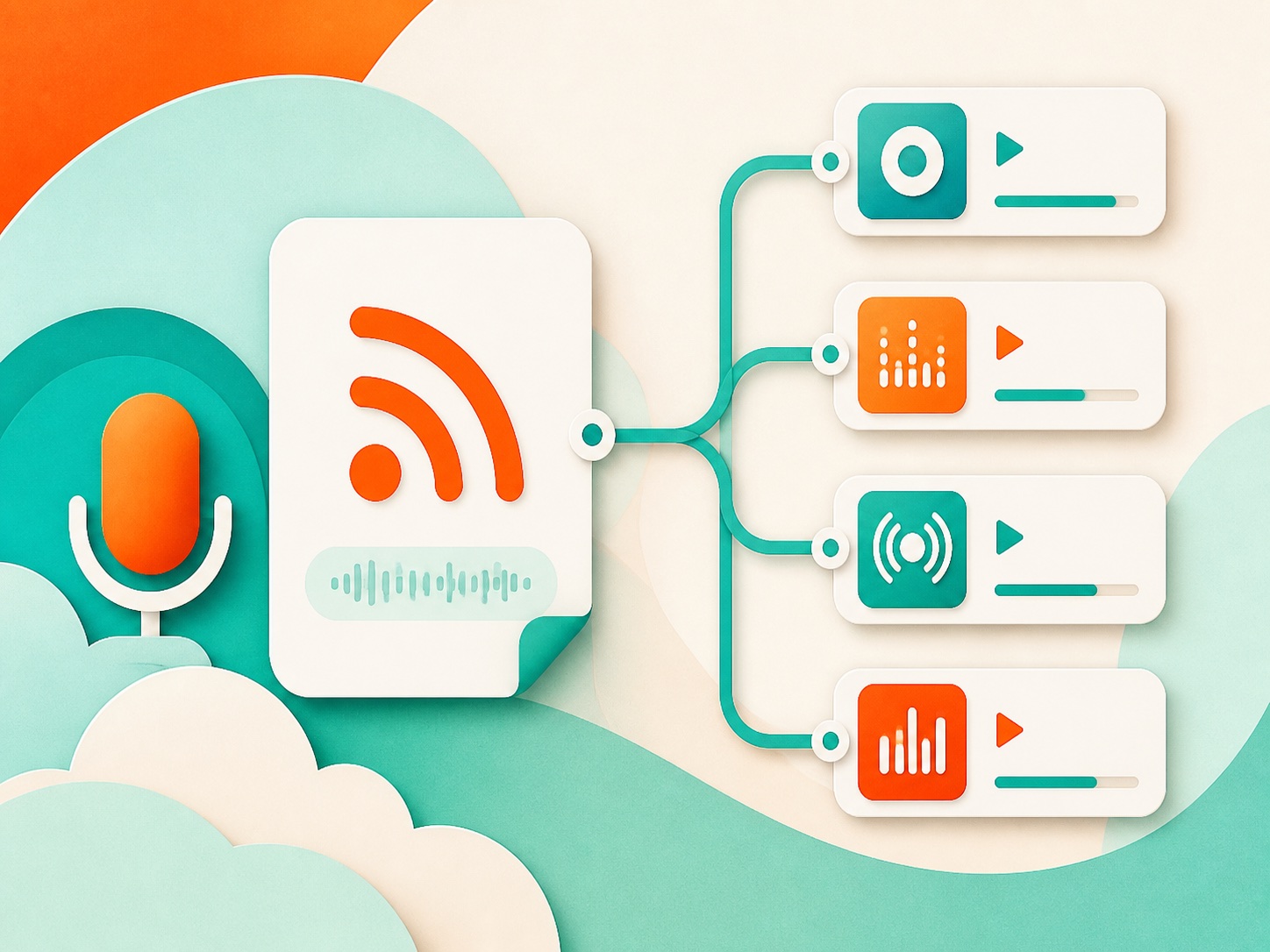
- 1Copy the public RSS feed from your podcast host.
- 2Submit to Apple, Spotify, YouTube, and Amazon.
- 3Save the public listing URL and submission date for each.
- 4Search secondary apps before submitting to avoid duplicates.
Preparation
Have these seven things ready
Every directory reads the same source. Fix missing information at your podcast host before opening submission forms.
- A public RSS feed URL you control
- At least one published episode or trailer
- Square artwork that remains readable when small
- An owner email you can access for verification
- A clear show title, description, category, and language
- The correct explicit-content setting
- Rights to the audio, artwork, music, and other material
Priority list
Submit to the essential four
Complete these in order. Use the official instructions linked below because submission screens change.
Apple Podcasts
Start here. Apple’s public catalog also feeds discovery in some third-party services.
Do this: Add your RSS feed in Apple Podcasts Connect, complete availability and rights, then publish.
Open Apple’s instructionsSpotify
Claiming the show gives you control and access to Spotify for Creators analytics.
Do this: Enter the RSS feed or Spotify show URL, then use the code sent to the feed owner email.
Open Spotify’s instructionsYouTube and YouTube Music
Useful for search and recommendation beyond traditional podcast apps.
Do this: Connect the feed in YouTube Studio, review the imported episodes, then make them public.
Open YouTube’s instructionsAmazon Music and Audible
Adds Amazon Music, Audible, and Alexa listening contexts.
Do this: Submit one RSS feed per show in Amazon Music for Podcasters and monitor its status.
Open Amazon’s instructionsWant to see how listening directories, community databases, and a weekly launch board differ? Read the podcast directories and discovery sites comparison.
Coverage
Then check the secondary apps
Search for your show before submitting. Many apps may already have it.
Spotify maintains a current list of platform-specific instructions in its distribution guide.
Troubleshooting
Fix the four common submission problems
- 1
Duplicate show
Claim the existing listing
Do not submit again unless the platform tells you to. Use its ownership or claim process.
- 2
No verification email
Check the owner email in the RSS feed
Update it at the host, refresh the feed, then request a new code.
- 3
Missing episode
Confirm it appears in the public feed
If it does, allow time for the directory to refresh before contacting support.
- 4
Wrong title or artwork
Correct the source feed first
One source-level fix prevents the same problem from returning across apps.
FAQ
Podcast directory questions
Do I submit every new episode to each directory?
No. You normally submit the show once. Each directory then reads new episodes and metadata from the RSS feed provided by your podcast host.
Are podcast directory submissions free?
The major public directories accept free podcast feeds without a listing fee. Optional hosting, subscriptions, advertising, or creator tools may cost money.
How long does approval take?
It varies by platform. Some feeds appear within hours; others use manual review and can take several days. Check the platform dashboard before resubmitting.
Why is my show already listed?
Some apps ingest public feeds or reference another catalog. Claim the existing show where possible rather than creating a duplicate.